Lesson 4Beginner5 min read · updated 8 October 2026
Covers that get the click
The cover decides whether anyone sees your video. The Covers studio makes several options at once, keeps your face the same in each, and shows how they will look in the feed before you pick one.
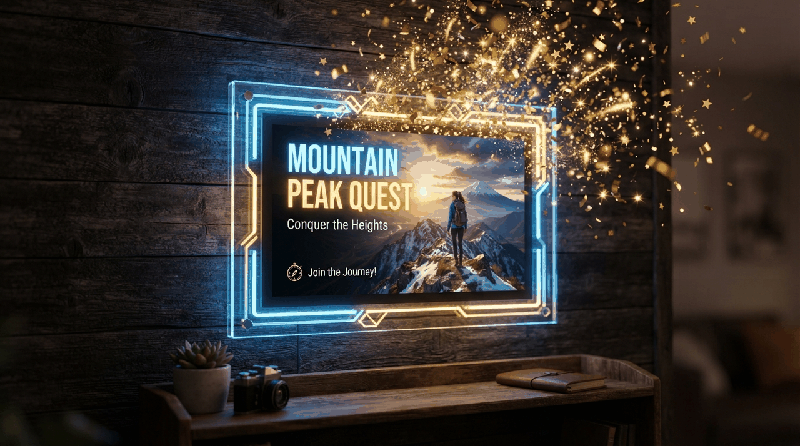
Make a set of options
- Describe the topic or the scene the cover should show — the moment, not the title.
- Pick a format: landscape for YouTube, vertical for Shorts and Reels.
- Choose how many options to make, so you can compare.
- Add the text for the cover, if it needs any.
Keep your face in every option
Pick a photo of yourself from your library and turn on the face lock. Every option keeps your face the same, so a channel with a presenter stays recognisable from one video to the next.
What makes a cover get clicked
- One subject, large, with a clear emotion. A face looking at the camera usually beats a busy scene.
- Three to five words at most. The title already says the rest.
- Strong contrast between the subject and the background; it has to work at the size of a thumbnail on a phone.
- Promise something the video delivers in its first minute.
Check it in the feed
Use How it looks in the feed to see each option at the real size, next to other videos. Text that is hard to read there will be hard to read for everyone.
Try it in Covers
Start free — no card needed.