Guides for making AI videos that people watch
Short, practical guides for every studio — from your first Autopilot video to consistent characters, voiceovers, covers, captions and editing. Read in order, or jump to what you need.
Lessons
6 guides · 34 minutes of reading
Your first video in 10 minutes
Go from an idea or your own script to a finished, narrated video with Autopilot: format, style, voice, cast and every stage explained.
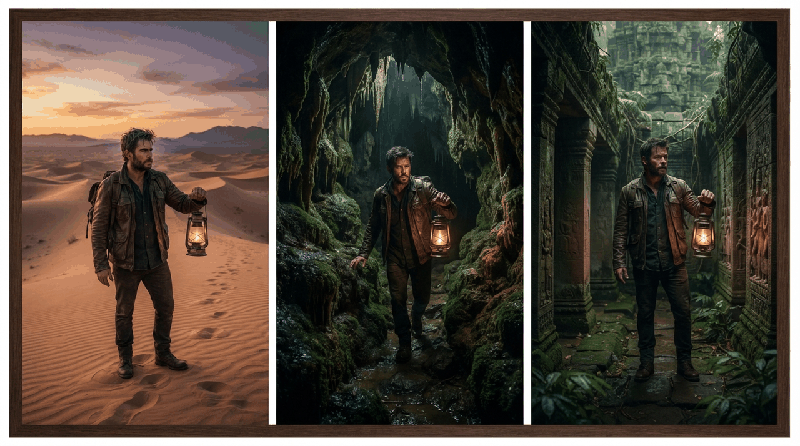
Storyboards that stay consistent
Why AI clips drift, and how Vidnora's story bible, cast and places and per-scene references keep every face, outfit and location the same.

Voices, dubbing and multi-speaker
Pick a narrator, write a conversation between several speakers and dub a finished video into another language in the Voice Room.
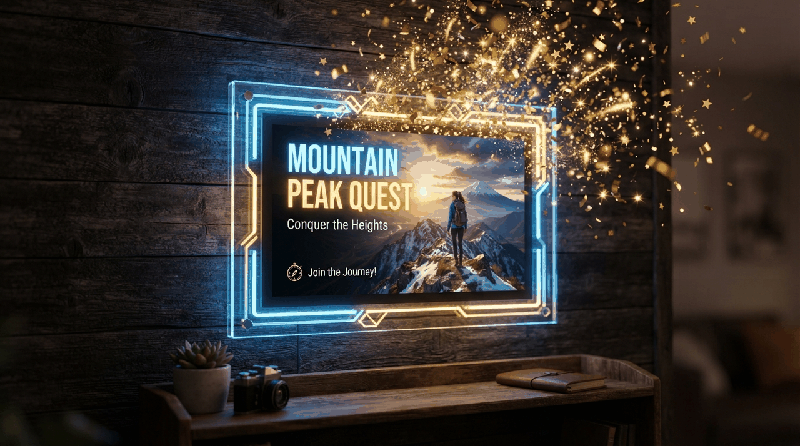
Covers that get the click
Make cover options for YouTube and Shorts with your face kept the same in every one, text that reads on a phone and a preview of the feed.
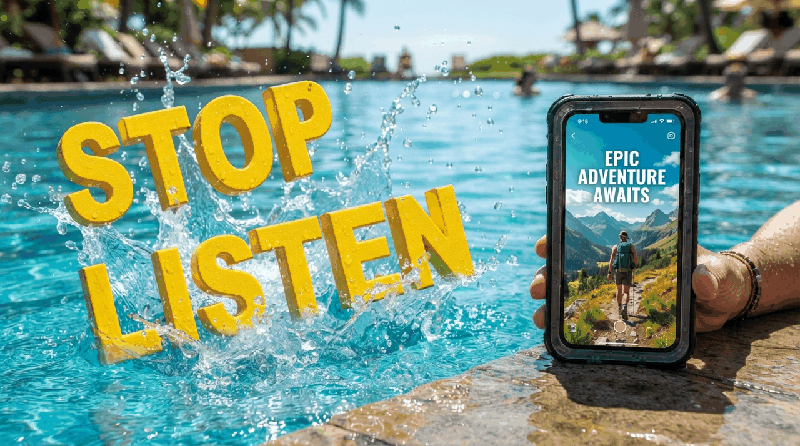
Captions for Shorts and Reels
Make word-timed captions from any video, fix a line, translate them to English, pick a style and burn them in or download SRT and VTT.

Editing in the Cut Room
Trim on the timeline, cut pauses in one click, add AI B-roll, titles, a voiceover and music that ducks under speech, then export.